


.svg)
.svg)
2026 was the year of the agent. 2027 is the year of computer use.
By Michael Domanic, Section Head of AI
OpenAI released its new advanced frontier model, Astra, a few weeks ago and I've spent a good amount of time since experimenting with it – mostly trying to identify where the highest-value enterprise use cases will be. The answer, by a wide margin, is what it can do with a screen. Start getting used to the term computer use. You’re going to be hearing about it constantly going forward.
2026 was the year of the agent, the year companies stopped piloting and started deploying real agentic strategies. My read is that 2027 will be the year of computer use, when AI can navigate websites and desktop apps, click, type, and complete multi-step tasks on behalf of their users.
What is computer use?
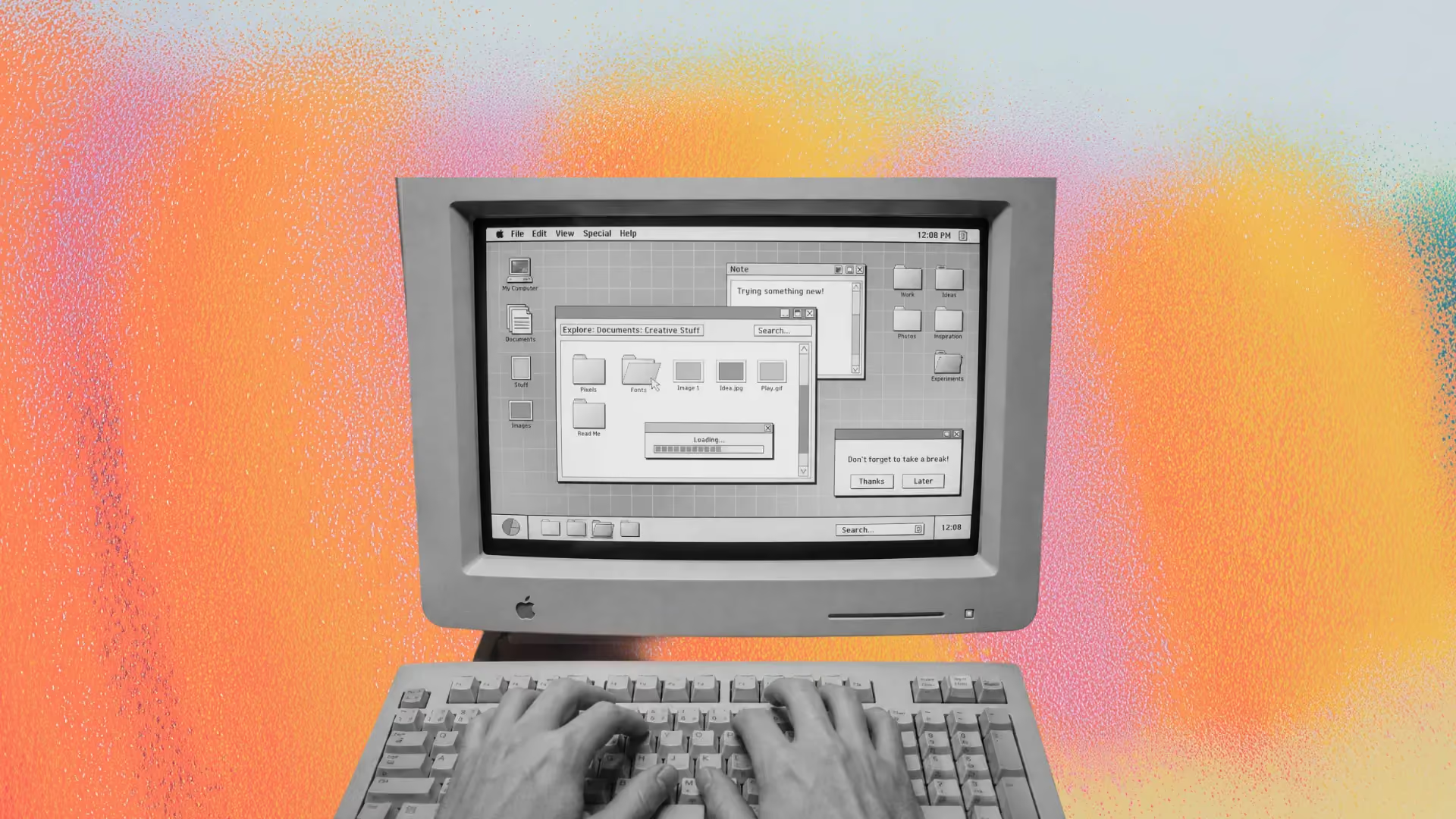
The idea is simple: Give an AI model the same access to a computer that a person gets - a screen and a mouse and a keyboard (also sometimes a username and password), and let it work. The AI agent will navigate through your computer’s applications, navigate the web and perform tasks on your computer just like you would.
The concept of computer use has been around for a while, but until Astra it wasn't viable for most real agentic work. I ran a few experiments when these capabilities became available in Operator and Claude a few years ago, and immediately went back to working the old way. The models were slow enough that I could beat them by hand at almost anything, and they stopped every thirty seconds or so to ask whether they should really click the button. Sitting through one of those sessions felt like walking your grandparents through the internet over the phone.
Two things have changed with Astra: speed, and the ability to reason across a long chain of steps – which allows it to stop checking in for permission at every minor decision point. And the latter is huge, because an automation you have to sit and watch really isn't much of an automation at all.
The work this unlocks
Most enterprise agents can operate only inside systems someone has made accessible through an API, connector, or MCP server. Computer use expands that territory. It can work through the interfaces already built for humans, reaching carrier portals, benefits platforms, legacy internal software, and other systems nobody is likely to build a direct integration for.
That dramatically increases the amount of enterprise work agents can perform without waiting for a new technical integration. But access is not permission. Third-party platforms may restrict automated use, so check their terms before pointing a computer use agent at them.
What I've been doing with it
We run a set of agents at Section built around a suite of Account Executive (AE) workflows: discovery call prep, call scoring, transformation brief generation, proposal creation, opportunity and pipeline assessment.
These agents are great individually, but hard to evaluate end-to-end. So one of the first things I built with Astra was a computer use agent that put itself in the AE’s chair and used our agents through the same interfaces and handoffs an AE does. That allowed it to evaluate the entire experience, not just each agent’s output, and expose the gaps where weak handoffs or accumulated friction made individually strong agents fail as a system. My analysis is still early, but it’s already pointing to places where our existing agents should be augmented. The only honest way to evaluate a system built for humans is to watch something use it like a human.
Blockers and costs
The friction in applying computer use to a lot of daily work is logins, with MFA being the real wall. It's meant to be, since its whole purpose is to require a human at the keyboard.
Potential solutions include dedicated agent accounts with limited permissions, SSO policies for managed devices, and pre-authenticated browser sessions controlled by IT. These are decisions to make with IT and InfoSec, not settings general business users should configure for themselves. Have that conversation before someone on your team takes matters into their own hands and pastes a sensitive shared admin password into an agent config.
You should also consider the cost implications of running long, chain of reasoning tasks through computer use. Every step of a computer use task sends a screenshot into a context window, which makes it expensive per unit of work compared to using an API call or MCP to get the same output.
Your agents already carry real inference costs, so this isn't a new category of spend. What's different is the ratio: a forty-step screen session burns tokens at a rate that an API-driven agent doing the same job doesn't approach. That additional cost is justified when computer use unlocks valuable work your agents otherwise couldn’t reach. As computer use continues to proliferate, we will see more and more of these use cases emerge.
What to do this week
As with any new or expanding AI capability, it's time to go into experimentation mode.
Start with the data. The most useful experiments I've run have been the ones that connect large bodies of information and context that were hard to get at before, because there was no API or MCP. Think ad management platforms, carrier and benefits portals, vendor dashboards, and legacy internal systems that haven’t yet made it onto anyone’s integration roadmap. Pick one of those systems, ask for something you've always wanted from it and never been able to pull, and see what comes back. You'll learn more from one real attempt than from a month of watching demos.
Then start thinking about what this means for the work itself. If a screen is no longer a barrier, some of what your people do by hand becomes a candidate for an agent, and some of the agents already on your roadmap get better with computer use attached. Both of those change how you prioritize. It’s worth having that conversation with your team now rather than after somebody else in the company potentially runs an experiment off the rails.
See you next week,
Michael
Your fellow Head of AI


.svg)

.png)
.webp)